
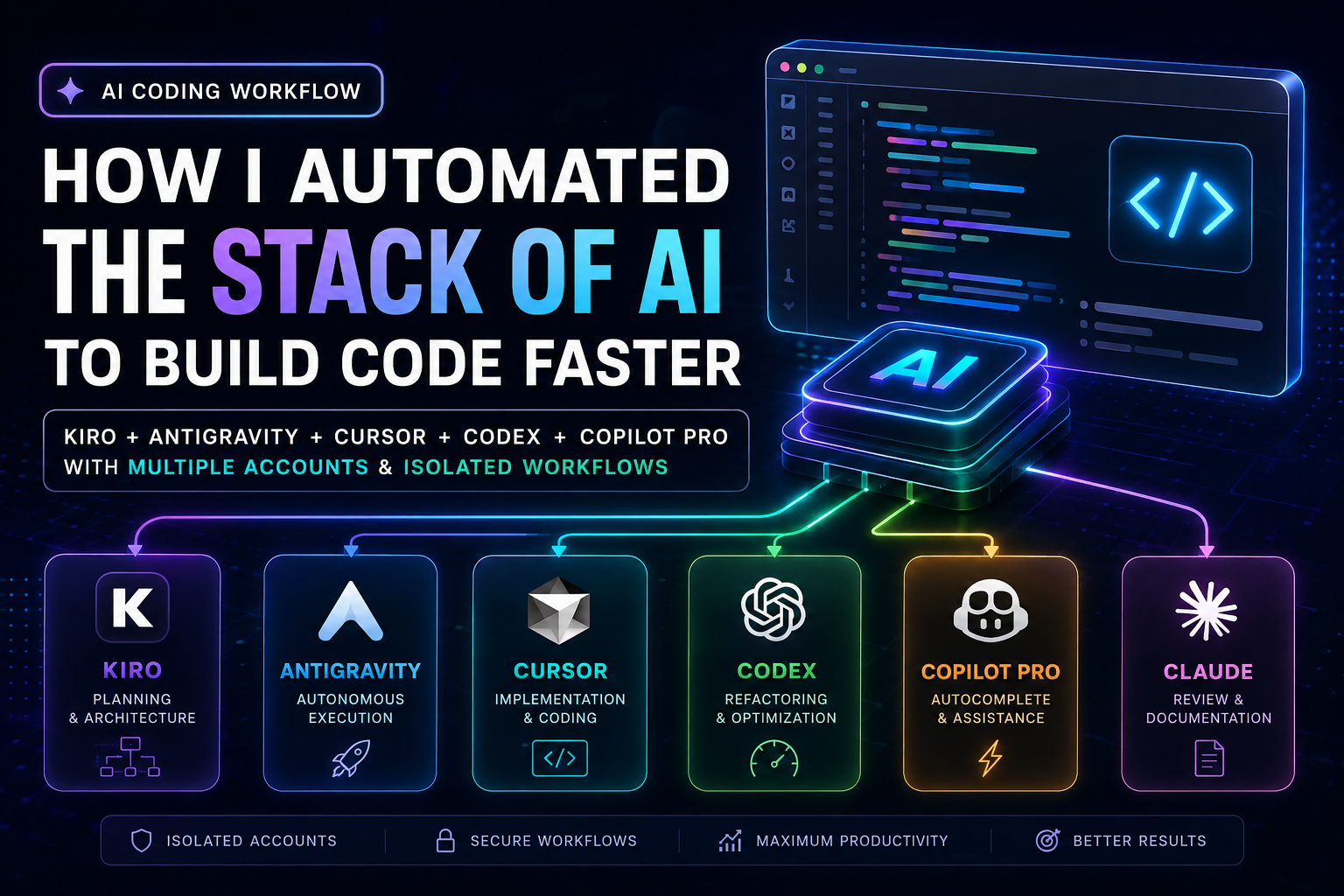
For months I tried building projects using only one AI. Sometimes Cursor. Sometimes GitHub Copilot. Sometimes Claude.
The problem wasn't that the models were bad. The problem was expecting one model to do everything.
Different models excel at different tasks. One is exceptional at architecture. Another writes cleaner React. Another understands TypeScript better. Another is surprisingly good at debugging.
Eventually I stopped asking: "Which AI is the best?"
Instead I asked: "How do I make all of them work together?"
That single mindset shift completely transformed how I build software.
The Problem with Single-Agent Development
Imagine asking one developer to simultaneously be your software architect, UI designer, backend engineer, DevOps engineer, security auditor, QA tester, and technical writer.
It doesn't make sense. Neither does asking one AI.
Each tool in my current stack has exactly one responsibility. Nothing overlaps. Nothing gets skipped.
My AI Development Stack
Project Idea
     ↓
Kiro  ──────────── Architecture & Planning
     ↓
Cursor ─────────── Implementation
     ↓
GitHub Copilot ──── Completion & Boilerplate
     ↓
Codex ──────────── Refactoring & Cleanup
     ↓
Claude ─────────── Documentation & Review
     ↓
Human Review
Each model receives only the context it needs. No unnecessary tokens. No repeated explanations.
Why Every Tool Has a Different Job
Kiro — Architecture & Planning
Before writing a single line of code, Kiro handles everything structural.
Kiro's responsibilities:
- Product Requirements Documents (PRDs)
- System architecture decisions
- Task planning and milestone breakdown
- Database schema design
- API contract definitions
Output structure:
/docs
  01_PRD.md
  02_ARCHITECTURE.md
  03_DATABASE.md
  04_API.md
  05_ROADMAP.md
Every document becomes a shared source of truth that every other tool reads from.
Cursor — Implementation
Cursor receives those planning documents. Its only job is writing production code.
I never ask Cursor to brainstorm features. I never ask it to design the architecture. That work is already done. Cursor focuses entirely on converting well-defined specifications into working code.
GitHub Copilot Pro — Completion
Copilot stays inside VS Code and handles the repetitive parts:
- Autocomplete suggestions
- Boilerplate patterns
- Test stubs
- Import statements
- Small bug fixes
This dramatically reduces interruptions during focused work sessions.
Codex — Refactoring
Codex is my cleanup engineer. Instead of writing features, I give it working code and ask:
Optimize this component.
Reduce complexity.
Remove duplicated logic.
Improve readability.
Keep all functionality identical.
The resulting codebase stays significantly cleaner than anything I'd produce writing features at speed.
Claude — Documentation
Claude reads the final implementation and writes the documentation. Technical explanations, README updates, API references, and deployment guides — Claude handles all of it after the code is stable.
Context Engineering
One of the biggest productivity gains came from changing how I provide context to each tool.
Instead of pasting entire conversation histories or explaining the project from scratch each time, every AI receives structured project documents.
project/
  docs/
    PRD.md
    ARCHITECTURE.md
    DATABASE.md
  frontend/
  backend/
  shared/
  rules.md
Every model reads from the same source of truth. No conflicting information. No repeated explanations.
My Prompt System
Instead of writing large one-off prompts, I use reusable templates for common tasks.
Role: Senior React Engineer
Context: [paste relevant docs section]
Goal: Implement [Feature Name]

Rules:
- Do not modify existing API contracts
- Use TypeScript strict mode
- Mobile-first responsive design
- Production-ready, no placeholder code
- Follow the architecture in /docs/ARCHITECTURE.md
Every AI gets the same structure. The responses become far more consistent and require less correction.
What Improved Most
Compared to my previous single-tool workflow:
| Metric | Before | After |
|---|---|---|
| Context switching | High | Minimal |
| Code consistency | Variable | Consistent |
| Documentation | Often skipped | Always done |
| Feature delivery speed | Moderate | Significantly faster |
| Hallucinations | Frequent | Rare |
| Commit quality | Mixed | Clean |
The biggest surprise wasn't speed. It was consistency. Every project now starts with the same structure, follows the same workflow, and ends with cleaner code than I'd produce working alone.
Lessons Learned
After several months of experimenting with this setup, three principles became clear.
1. Context beats intelligence
A capable model with poor context performs worse than a simpler model with excellent documentation. Invest time in writing good specs before writing code.
2. Documentation saves tokens
The more information lives in Markdown files, the less you need to repeat yourself across sessions. A well-written PRD is worth dozens of follow-up prompts.
3. Automation compounds
Saving two minutes once is negligible. Saving two minutes across fifty interactions every day is a significant change to how much you can build.
Final Thoughts
The biggest productivity improvement didn't come from finding a "better" AI. It came from designing a system where every tool focuses on what it does best.
Today my development stack feels less like using a chatbot and more like collaborating with a focused engineering team — planning, implementing, reviewing, and documenting in parallel with clear responsibilities.
As AI tools continue to improve, the real advantage won't be choosing a single model. It will be building workflows that let multiple specialized tools work together with shared context and well-defined roles.
What's Next
In the next article, I'll share:
- My complete folder structure template
- The reusable prompt templates I use for every project
- The
rules.mdfile format that keeps every AI aligned - How I handle context limits across long projects
- The automation scripts that connect the workflow end-to-end
Follow along if you'd like updates.