
Over the last 10 days, I took on the 10 Days of Voice Agents — VoiceForBharat Edition challenge. My objective was to build a production-ready Voice AI agent using the fastest Text-to-Speech API on the market, Murf Falcon, combined with the LiveKit Agents framework.
I am incredibly excited to introduce you to Vidya, a bilingual AI learning assistant designed to help students across South Asia practice concepts, take quizzes, and learn interactively. In this post, I will walk you through the problem Vidya solves, how the architecture works, the core features I built, the challenges I faced along the way, and how you can build a similar agent yourself.
1. The Problem and The Users
Education in India and Nepal is incredibly diverse. Students often switch between English, Hindi, and regional languages (Hinglish, Nepali) in everyday conversations. Traditional text-based learning apps often fail to capture the natural, conversational flow of a real human tutor.
I built Vidya specifically for these students. Voice is the most natural interface for learning—it allows students to ask questions exactly how they think them, without worrying about spelling, grammar, or typing out long queries on a small screen. A voice assistant that understands mixed languages and responds warmly makes learning accessible, engaging, and unintimidating for students in Tier-2 and Tier-3 cities.
2. What the Voice Agent Does
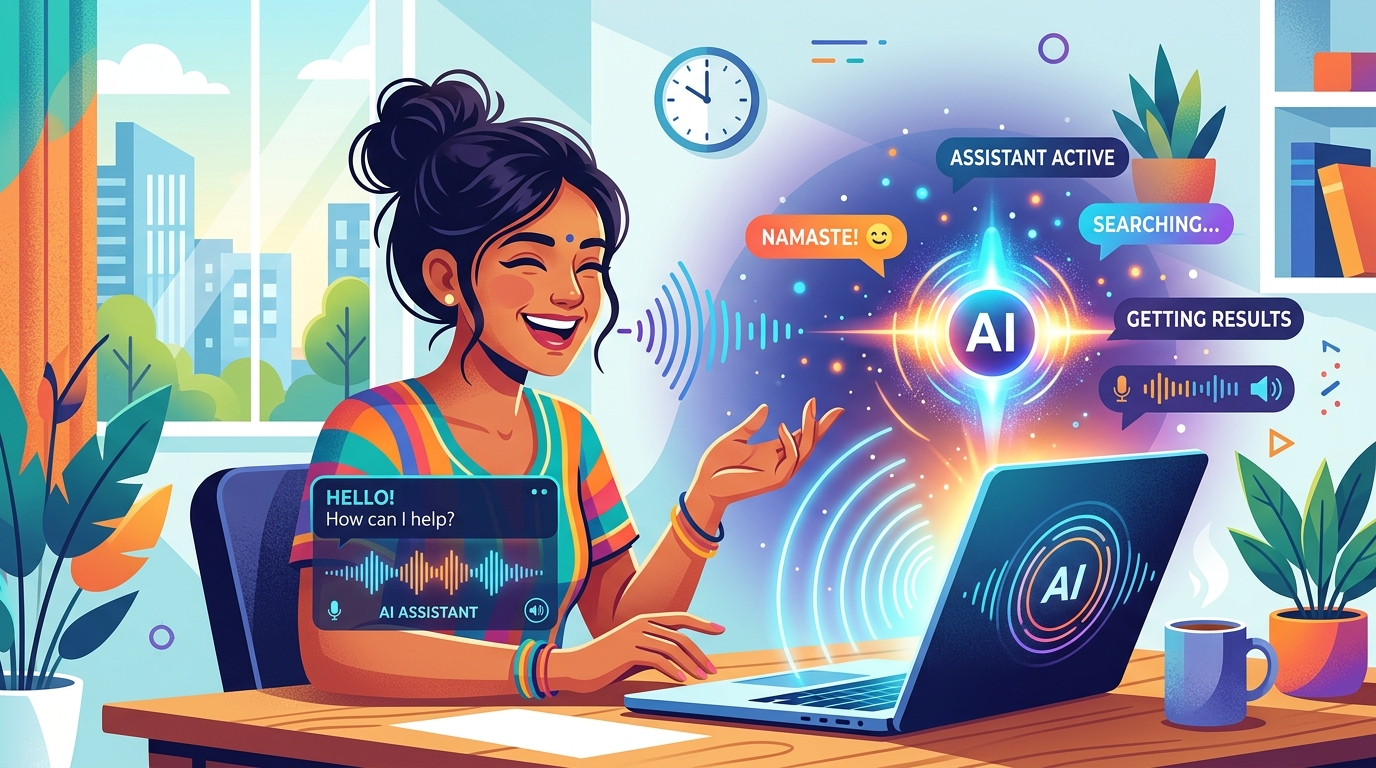
Vidya acts as a friendly, patient, and knowledgeable tutor. She doesn't just read Wikipedia articles; she actively engages the student. Here is what a typical session looks like:
- Greeting & Memory: When a student connects, Vidya recognizes returning users, greeting them by name and recalling their grade level.
- Interactive Quizzes: Students can ask to practice a specific topic (e.g., "Photosynthesis"). Vidya fetches a question from a local dataset and waits for the student's spoken answer.
- Empathetic Corrections: If the student gets an answer wrong, Vidya never shames them. She provides a gentle hint, allows them to try again, and clearly explains the correct answer if they still struggle.
- Multilingual Support: Vidya seamlessly transitions between English, Hindi, and Nepali, mirroring the student's preferred language.
3. How the System Works
To make conversations feel instant and natural, you need an architecture optimized for ultra-low latency. Here is a look at how audio moves through the system:

- Transport (LiveKit): Handles the WebRTC connection between the frontend (browser/phone) and the backend Python agent.
- Speech-to-Text (Deepgram Nova-3): Highly tolerant to regional accents and phonetic shifts.
- Intelligence (Google Gemini 3.5 Flash Lite): Processes the transcript, decides if it needs to call tools (like fetching an exercise or saving memory), and generates the text response.
- Text-to-Speech (Murf Falcon): The star of the show. We use the 'Anisha' voice for Vidya, which provides a warm, conversational Indian English/Hindi feel with a blistering ~55ms model latency.
4. The Most Important Features
Over the 10-day challenge, I expanded Vidya from a simple echo bot into a complex system. Here are the standout features:
A. Multi-Persona Specialist Handoffs
Vidya is a great generalist, but sometimes students need deep expertise. If a student asks for complex math help, Vidya seamlessly transfers the call to Srinivasa Ramanujan (a Maths Specialist persona using Murf's 'Samar' voice). If they want a rapid-fire quiz, she transfers them to Pooja (the Quiz Master).
Here is the Python function tool that handles the handoff to the Maths Specialist:
@function_tool
async def transfer_to_maths_specialist(self, topic: str, user_question: str = "") -> Agent:
    """Hand off the conversation to Srinivasa Ramanujan, the dedicated Maths Practice Specialist."""
    # Emit a UI event so the frontend updates the active avatar
    await self._emit_tool_event(
        "agent_handoff",
        {
            "from": "Vidya (Voice: Anisha)",
            "to": "Srinivasa Ramanujan (Voice: Samar)",
            "topic": topic,
        },
    )
    # Tell the user what is happening before the transfer
    await self.session.say(
        "I'll connect you to our Maths specialist, Srinivasa Ramanujan, to solve this step by step."
    )
    # Return the new Agent instance
    return MathsSpecialistAssistant(
        user_id=self._user_id,
        initial_query=user_question or topic,
        room=self._room,
    )
B. Outbound Daily Practice Calls
Learning requires consistency. Students can use the frontend dashboard to schedule a daily practice time. At the scheduled time, a background Python scheduler initiates a SIP outbound call directly to the student's phone (via Linphone). Vidya greets them and immediately starts the practice session.
C. Human Escalation Protocol
If a student gets frustrated, fails an exercise multiple times, or explicitly asks for a real teacher, Vidya detects this condition. She asks for explicit permission, and if granted, logs a privacy-safe support ticket for human intervention, providing the student with a Reference ID (e.g., VID-7A42K9).
D. Persistent Memory
Using a local SQLite database, Vidya asks for consent to remember the student's name and class. The next time the student connects, she greets them personally: "Welcome back, Rahul! Last time we were working on Algebra. Shall we continue?"
5. Challenges and How I Overcame Them
Building voice agents is fundamentally different from text chatbots because of Speech-to-Text (STT) phonetic mapping.
The Challenge: South Asian students often mix Hindi and English in the same sentence. Early on, the STT would transcribe spoken Hindi phonetically into English characters (e.g., "mujhe photosynthesis samjhao"). When the LLM read this romanized Hindi (Hinglish), it would occasionally get confused or generate its response in romanized Hindi. When Murf Falcon (which expects standard text) tried to read romanized Hindi, it sounded robotic and incorrect.
The Solution: I had to heavily engineer the System Prompt to enforce strict linguistic boundaries. I added the following rule to Vidya's instructions:
LANGUAGE RULE: ALL Hindi/Nepali words MUST be written in Devanagari script ALWAYS. NEVER write Hindi in English letters (no "Hinglish romanization"). Wrong: "Mujhe photosynthesis samjhao". Correct: "मुझे प्रकाश संश्लेषण समझाओ".
Furthermore, I instructed the LLM to tolerate phonetic shifts from the STT (like "fotsynthesis" or "aljebra") and seamlessly infer the meaning without correcting the student's pronunciation. By enforcing Devanagari output for Hindi segments, Murf Falcon was able to synthesize the audio perfectly with native pronunciation.
6. How You Can Build Your Own Voice Agent
You can build your own version of this using the Murf LiveKit Starter. It provides the boilerplate needed to get STT, LLM, TTS, and LiveKit talking to each other.
Prerequisites:
- Python 3.10+ and Node.js 18+
- Accounts on LiveKit Cloud, Murf AI, Deepgram, and Google AI Studio (for Gemini)
Step 1: Clone the Repository
git clone https://github.com/murf-ai/murf-livekit-starter.git
cd murf-livekit-starter
Step 2: Set up Environment Variables
Create a .env.local file in the backend/ directory. Never commit this file to GitHub!
LIVEKIT_URL=wss://your-project.livekit.cloud
LIVEKIT_API_KEY=your_key
LIVEKIT_API_SECRET=your_secret
MURF_API_KEY=your_murf_key
DEEPGRAM_API_KEY=your_deepgram_key
GOOGLE_API_KEY=your_gemini_key
Step 3: Run the Services
You need to run the Python backend (the agent) and the Next.js frontend (the UI).
Terminal 1 (Backend Agent):
cd backend
uv sync
uv run python src/agent.py dev
# Note: Use `start` instead of `dev` if you are on Windows
Terminal 2 (Frontend UI):
cd frontend
pnpm install
pnpm dev
Open http://localhost:3000, click Start Talking, allow microphone access, and your agent will start speaking! To change the agent's behavior, just edit the SYSTEM_PROMPT string in backend/src/agent.py.
7. What I Would Improve Next
While Vidya is highly functional, there are two areas I want to expand:
- RAG (Retrieval-Augmented Generation): I want to integrate actual school textbooks (NCERT PDFs) so Vidya can answer specific syllabus questions grounded in the official curriculum rather than relying purely on the LLM's baseline knowledge.
- Dashboard Analytics: Building a comprehensive Next.js admin dashboard to visualize the call outcomes (success/failure rates) and topic failure rates stored in the SQLite database.
8. Links and Resources
If you want to see the code or try building your own, here are the resources:
- My Final Code Repository: GitHub - murf-voice (Day 9)
- Murf Falcon TTS Documentation: API Docs
- LiveKit Agents Quickstart: LiveKit Docs
Building Vidya has been an incredible learning experience. Voice AI is rapidly evolving, and with models like Murf Falcon providing near-instantaneous synthesis, we are finally at the point where AI can hold truly natural, uninterrupted conversations.
#VoiceForBharat