How I Made My Alliance Arena Presentation More Fun with Indian Memes

The Problem with Most Technical Presentations
If you have ever attended a hackathon, an engineering meetup, or a developer conference, you know this feeling.
A presenter walks onto the stage. They open a default slide template. Every slide is packed with tight bullet points, tiny UML diagrams, and architecture boxes that resemble circuit boards. By the third minute, the presenter is reading raw text off the screen in a flat monotone. By the fifth minute, half the audience is scrolling social media, and the judges are fighting mental fatigue.
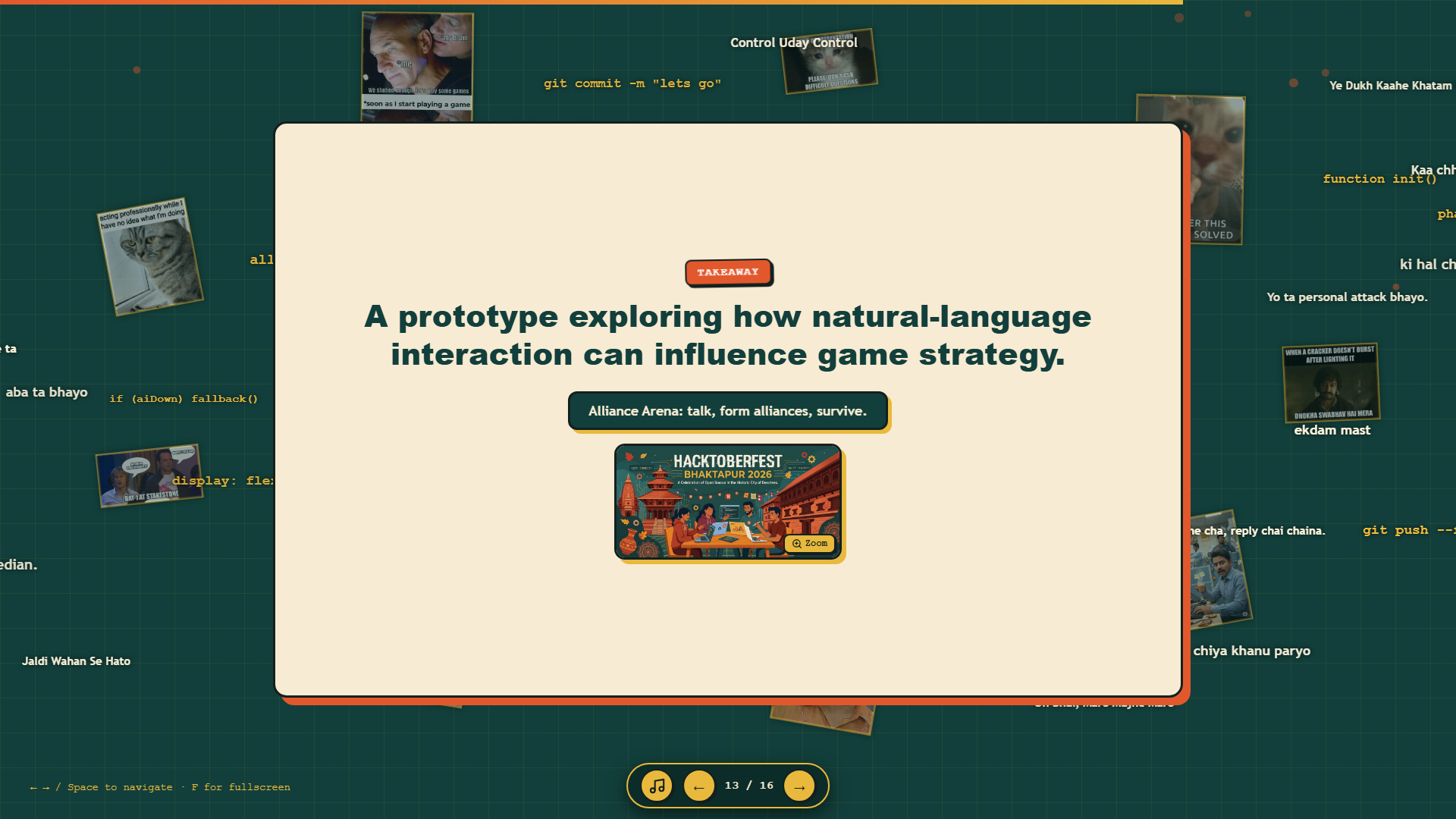
I found myself facing this exact danger at Hacktoberfest Bhaktapur 2026 in Nepal.
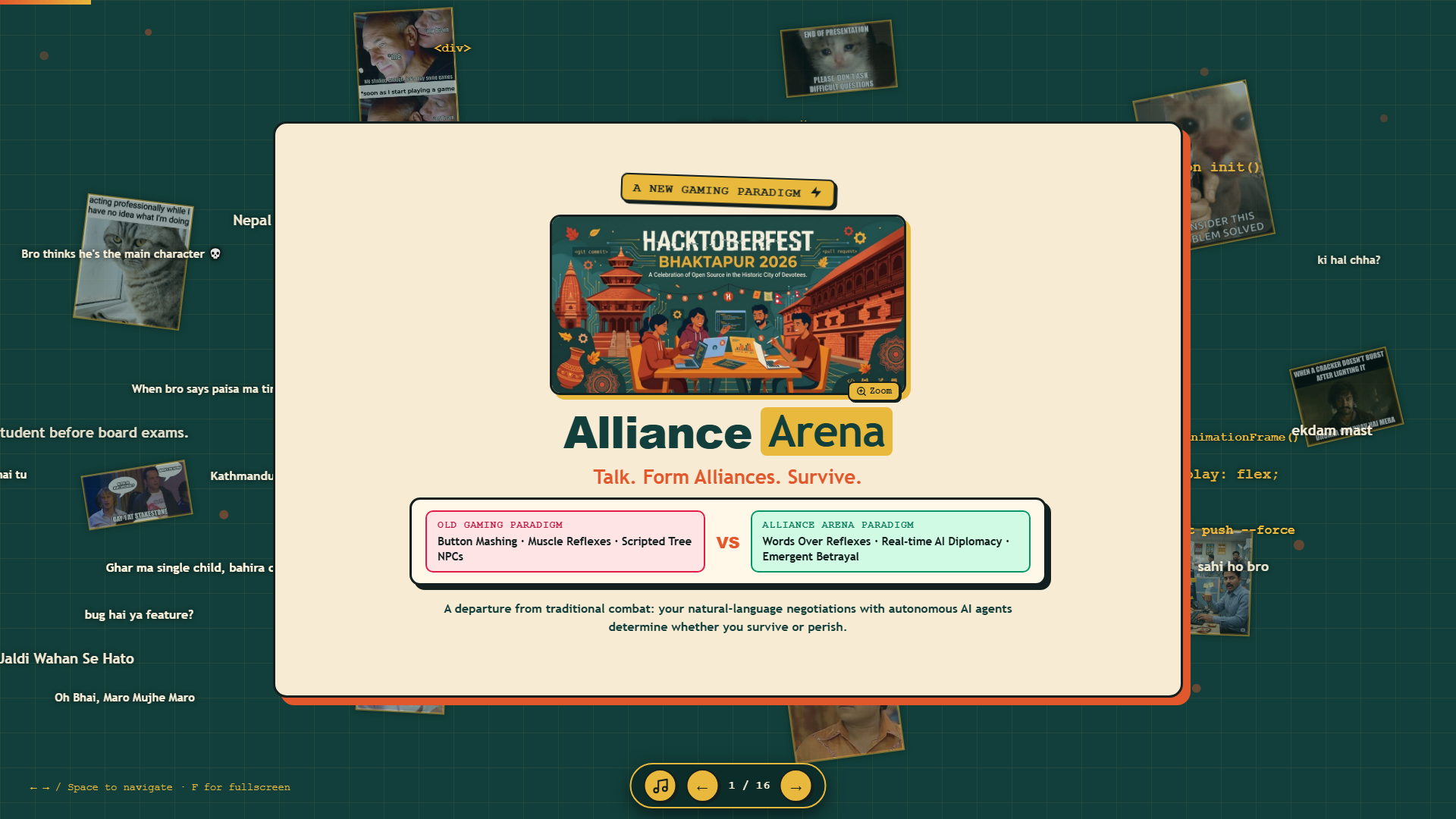
I had spent weeks engineering an ambitious project called Alliance Arena. On paper, the system had genuine technical depth. I had combined a 3D browser-based arena game built in Three.js with a remote Gemma 4 12B language model running through an Ollama Cloudflare tunnel. Instead of relying on traditional button-mashing reflexes, the game required players to negotiate with autonomous AI characters to form alliances before combat started.
Technically, the project worked. But when I assembled my original slide deck, I noticed a glaring problem: the presentation was sterile, dry, and forgettable. Explaining asynchronous REST polling loops, high-level JSON directives, and WebGL collision routines to an auditorium full of tired developers was guaranteed to lose their attention.
I decided to discard the standard corporate presentation format entirely. Instead, I coded a custom, interactive web presentation using pure HTML, CSS, and JavaScript. I built real-time voting buttons, programmed an amplified audio ducking engine, and integrated recognizable Indian and South Asian internet meme culture directly into the narrative.
The result surprised even me. The presentation kept the room fully attentive, earned genuine laughs from both participants and judges, and made our distributed AI diplomacy architecture immediately understandable.
What Alliance Arena Actually Is: Code and Architecture
Before examining the presentation design, it helps to understand what Alliance Arena actually does under the hood.
Alliance Arena is not a static mockup or a concept video. It is a playable prototype located in the _game_backup/ directory of the repository. The central creative goal was to replace traditional reflex-driven combat with natural-language negotiation.
+-----------------------------------------------------------+
|                   ALLIANCE ARENA SYSTEM                   |
+-----------------------------------------------------------+
|                                                           |
|   +---------------------------------------------------+   |
|   |         CLOUD AI STRATEGIST (Ollama Tunnel)       |   |
|   |   Model: Gemma 4 12B (diplomacy-agent:latest)     |   |
|   |   Input: 3D Map State Snapshot + Dialogue Turn    |   |
|   |   Output: High-level Directive JSON + Spoken Line |   |
|   +---------------------------------------------------+   |
|                             |                             |
|                             | (REST POST every 8 seconds) |
|                             v                             |
|   +---------------------------------------------------+   |
|   |            LOCAL BROWSER SIMULATION ENGINE        |   |
|   |   Three.js 3D World (52x52m Arena with Landmarks) |   |
|   |   First-Person Controls (WASD, Mouse, Combat)     |   |
|   |   Local Pathfinding, Collisions, and Physics      |   |
|   |   Automatic Heuristic Engine (Offline Fallback)   |   |
|   +---------------------------------------------------+   |
|                                                           |
+-----------------------------------------------------------+
1. The Split-Plane Solution
A common mistake when connecting language models to games is letting the AI control character physics and frame-by-frame movement directly. Because language models suffer from unpredictable network latency and token generation times, that approach makes games freeze or stutter.
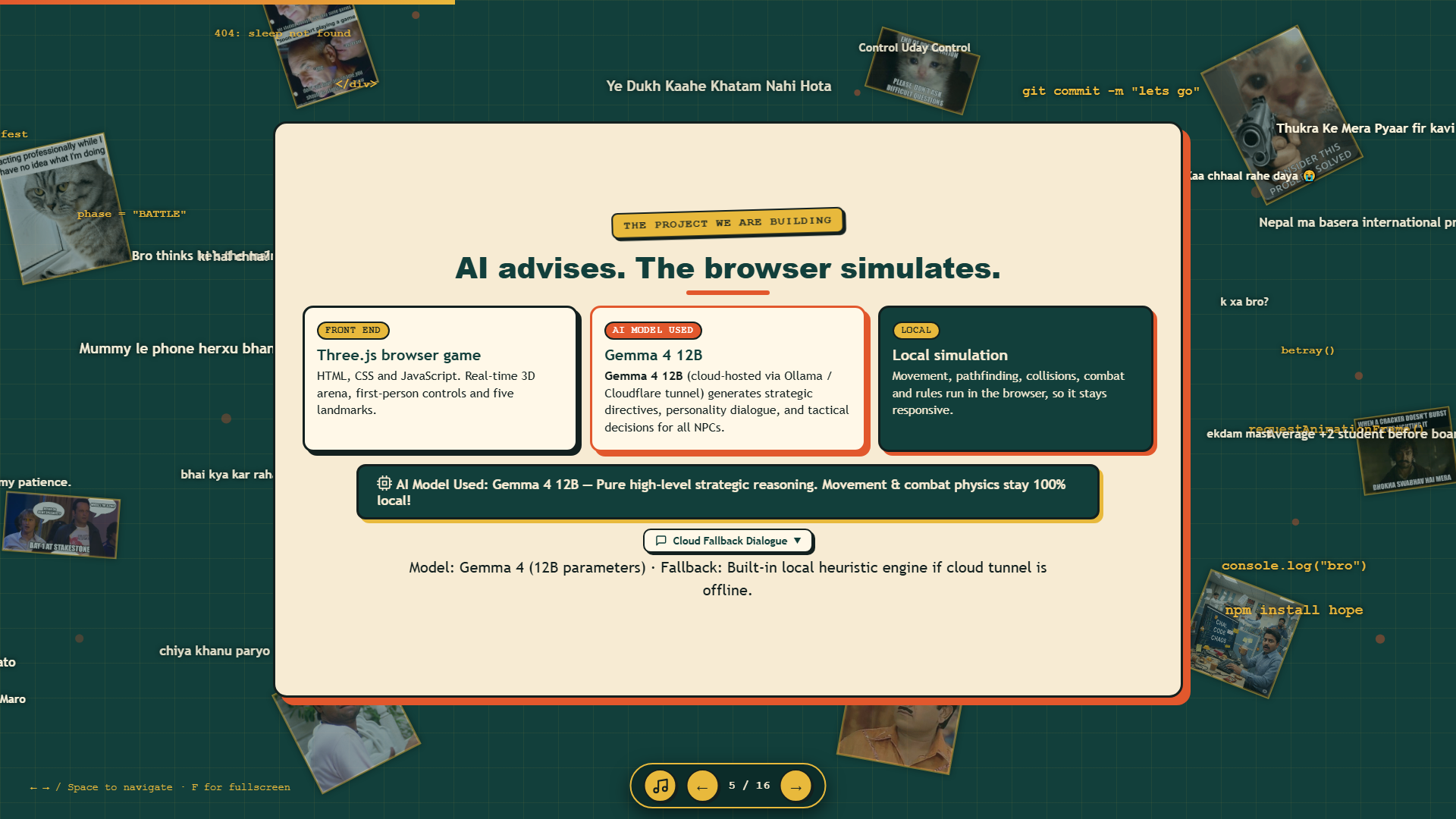
In Alliance Arena, I engineered a strict split-plane architecture:
- The Cloud AI Strategist: The model runs remotely via an Ollama instance exposed through a secure Cloudflare tunnel (
diplomacy-agent:latest, built on Gemma 4 with 12 billion parameters). Every 8 seconds, the server receives a compact JSON snapshot containing player distance, health values, and conversation history. It never calculates raw coordinates. Instead, it returns one conversational spoken line and one structured high-level directive:goto,hold,follow,ally,attack, orbetray. - The Local Browser Engine: The game runs locally in Three.js at a steady 60 frames per second. It handles player inputs, first-person camera movement, bounding-box collisions, and melee combat hits. It reads the model's high-level directives and converts them into immediate physical movement using local waypoint pathfinding in
js/pathfinding.js.
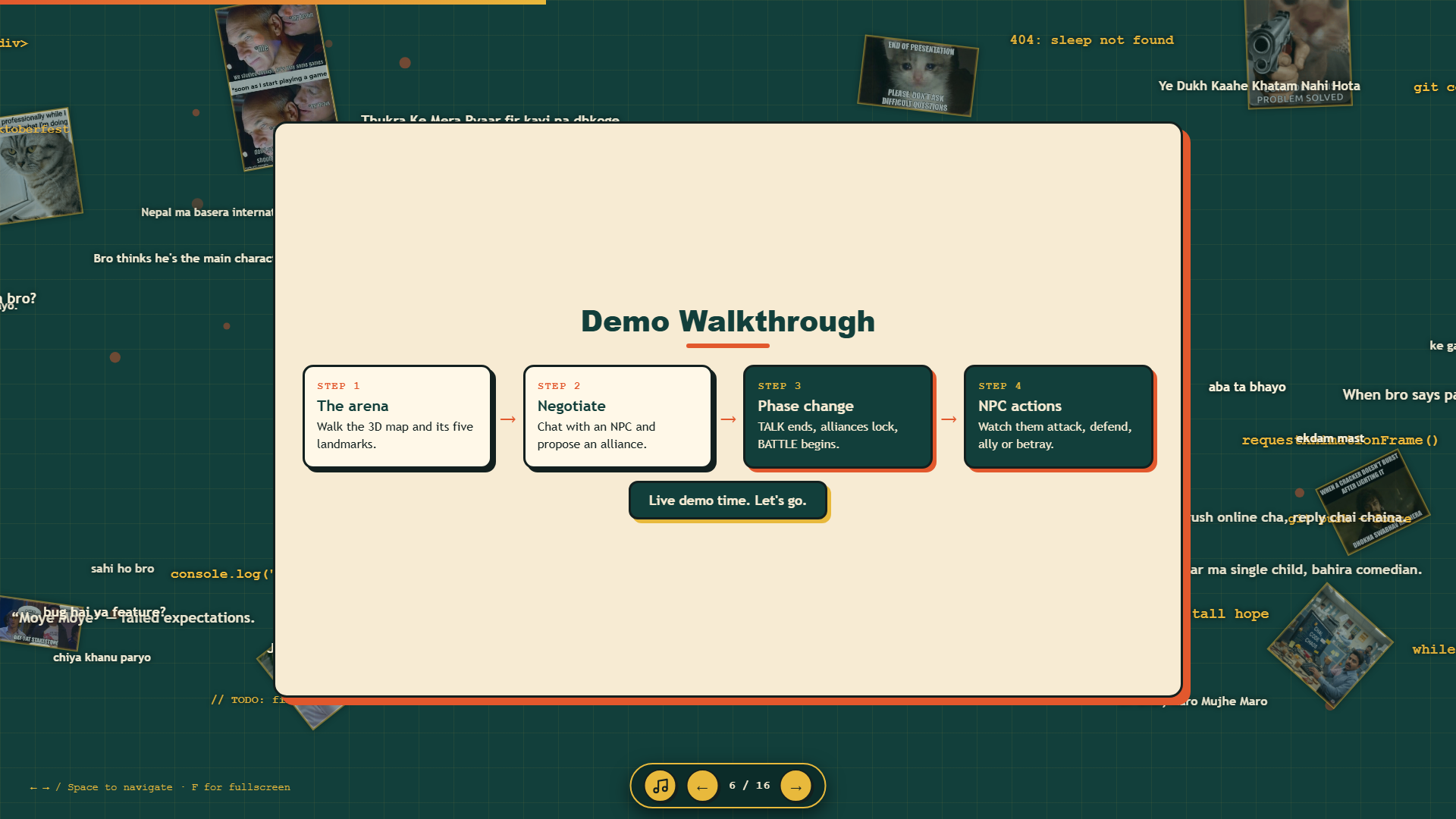
2. The Four-Stage Gameplay Loop
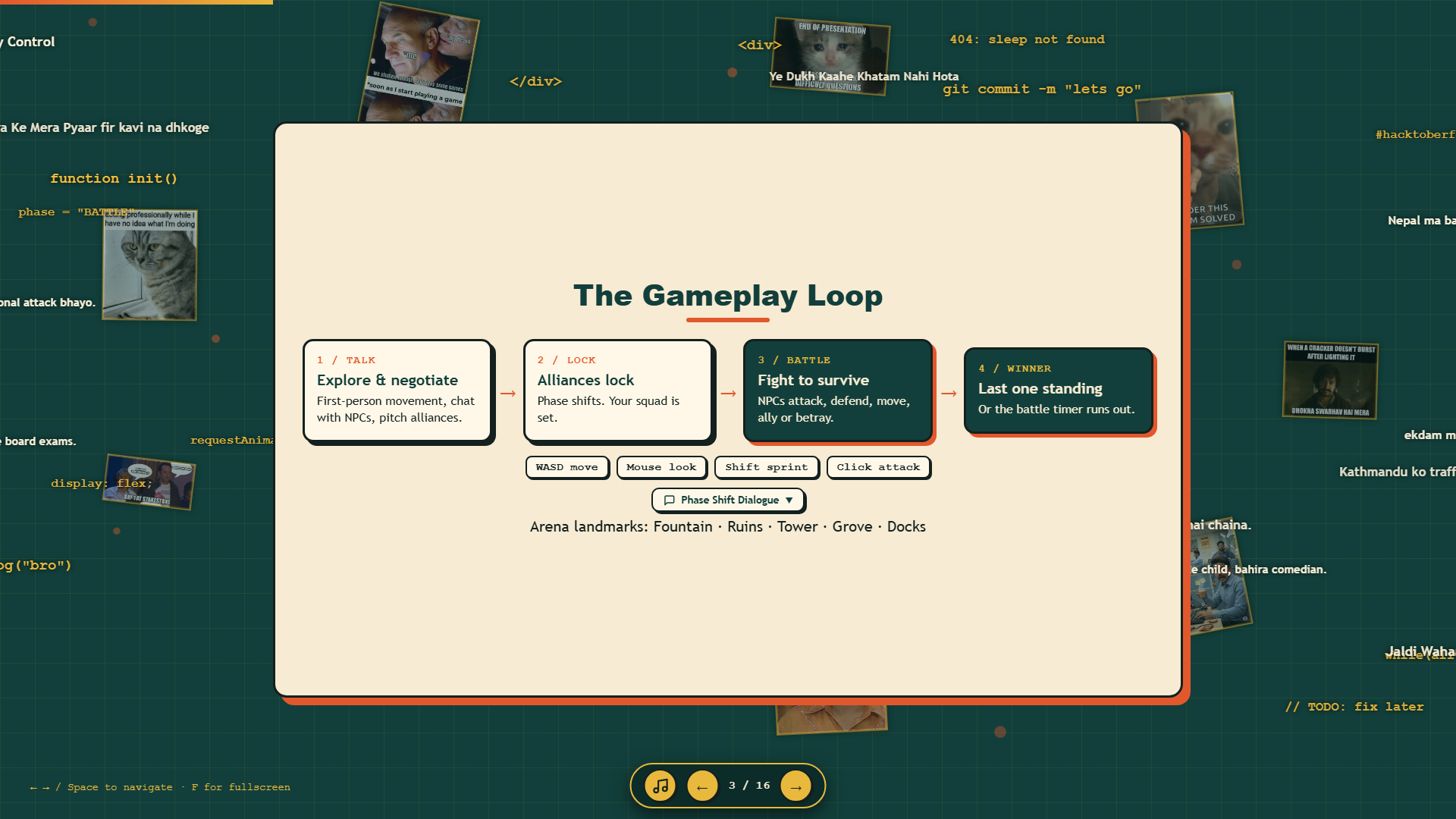
The game operates on a structured four-stage cycle that creates natural dramatic tension:
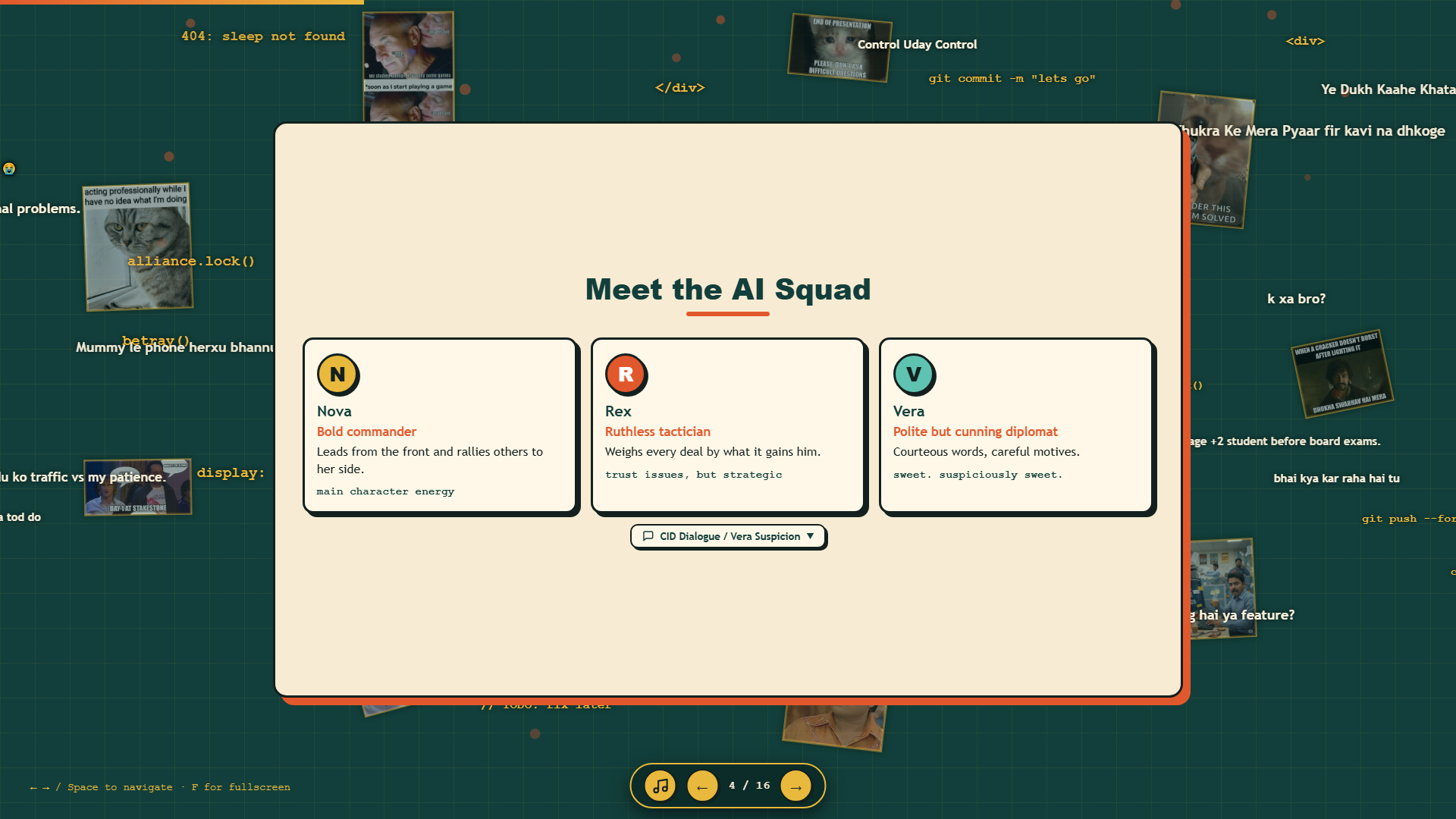
- TALK Phase (30 seconds): The player moves through a 52x52 meter arena containing five distinct landmarks (Fountain, Ruins, Tower, Grove, and Docks). You approach three autonomous NPCs (Nova, Rex, and Vera) and negotiate alliances by typing in a chat box.
- LOCK Phase: When the 30-second timer expires, chat closes. Alliances are locked into the game state based on who agreed to work together.
- BATTLE Phase: Combat begins. Characters draw weapons and execute their tactical directives. NPCs fight mutual enemies, defend territory, or suddenly betray their partners depending on their personality profile.
- WINNER Phase: The last surviving character or squad wins the round.
Why Indian Meme Culture Became the Secret Weapon
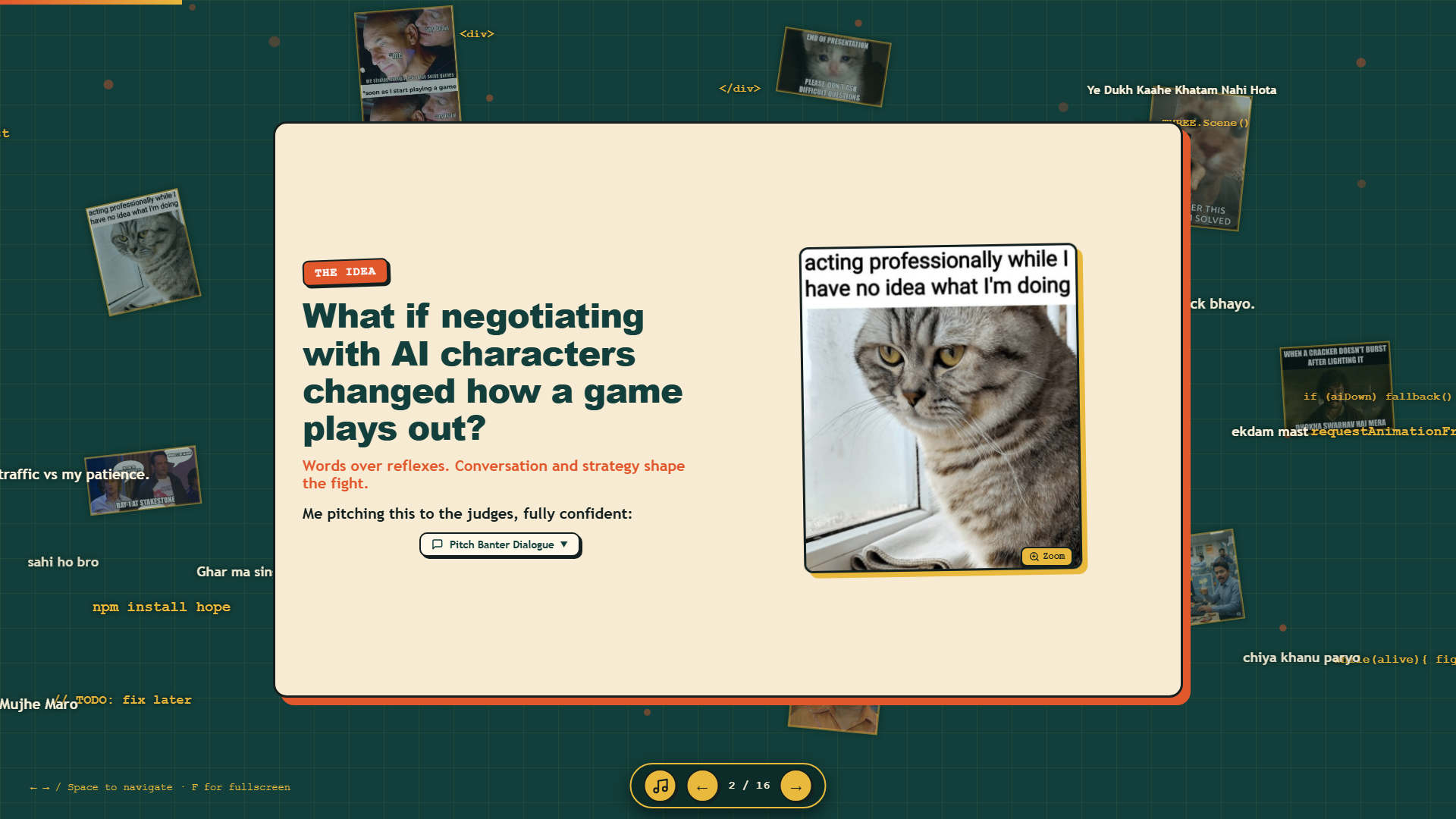
When I began assembling the presentation for Hacktoberfest Bhaktapur, I realized that describing terms like "asynchronous polling loops," "split-plane execution," and "deterministic heuristic fallbacks" was alienating listeners.
I needed a shared cultural vocabulary that would make complex concepts click instantly.
In Nepal and India, developer humor is tightly woven into classic Bollywood cinema, beloved comedy films (Hera Pheri, Welcome, Deewaar), and classic television crime shows like CID. Lines from these shows are part of everyday internet conversation. Everyone in the audience knows them by heart.
Pacing and Cognitive Load: The Science of the "Instructional Reset"
Using humor in a technical talk is not about doing stand-up comedy. It is about managing cognitive load.
In educational psychology, John Sweller's Cognitive Load Theory explains that human working memory has very limited capacity. When you present dense technical architectures, you place heavy intrinsic and extraneous demands on the listener's brain. If you bombard people with continuous technical specifications for fifteen minutes, their attention breaks down.
Educational researchers like Randy Garner have shown that relevant humor functions as an attentional cognitive reset. When an audience laughs at a well-timed, relevant joke, their working memory receives a momentary recovery period. This brief break clears mental fatigue and prepares listeners to absorb the next technical concept.
| Game Mechanic | Technical Function | Indian Meme Archetype | Audience Takeaway |
|---|---|---|---|
| Core Pitch | Natural-language AI replacing twitch reflexes. | "Hamare paas Gemma AI hai..." (Deewaar parody) | Established the game's core premise in five seconds. |
| TALK Phase Pacing | Restraint required during the 30-second negotiation window. | "Control, Uday, Control!" (Welcome, Majnu & Uday) | Communicated the tension of holding back before battle. |
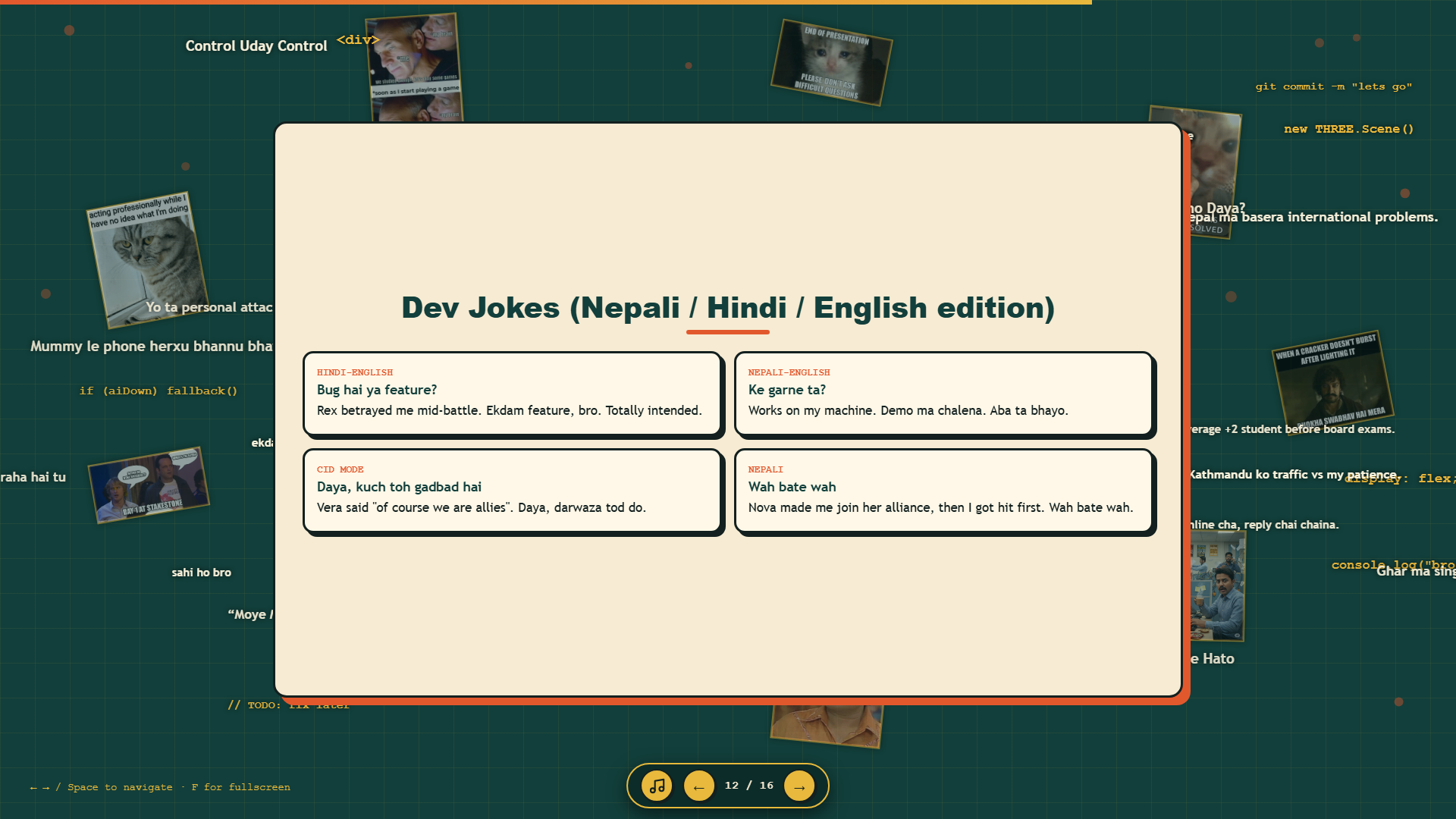
| Vera's AI Personality | A polite diplomat who secretly schemes against the player. | "Kuch toh gadbad hai, Daya..." (CID, ACP Pradyuman) | Explained the character's threat model through a familiar detective trope. |
| Cloud Latency Fallback | Local heuristic engine taking over during network drops. | "Wah beta wah! Tumne toh mauj kardi!" | Explained offline resiliency with self-aware pride. |
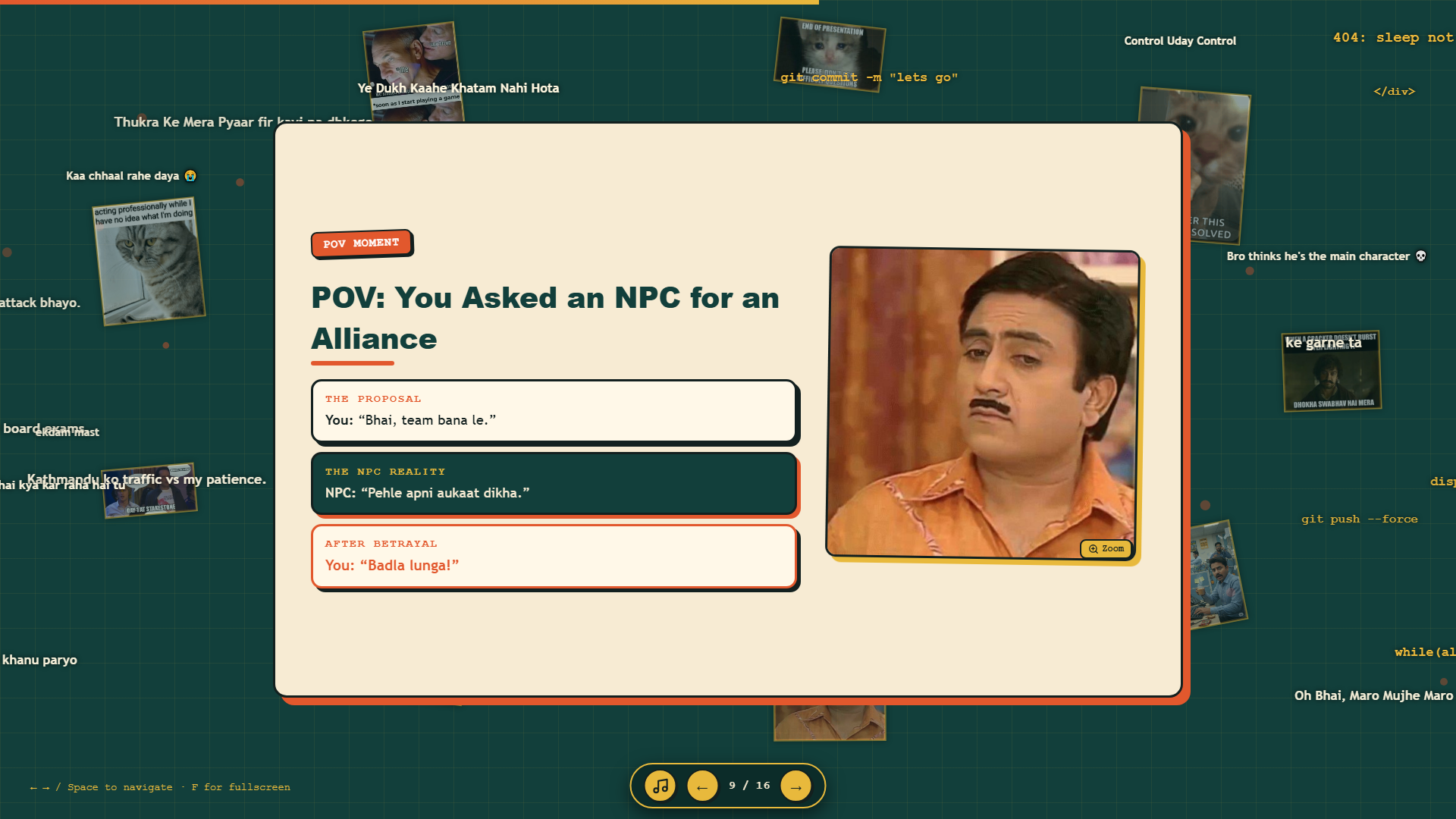
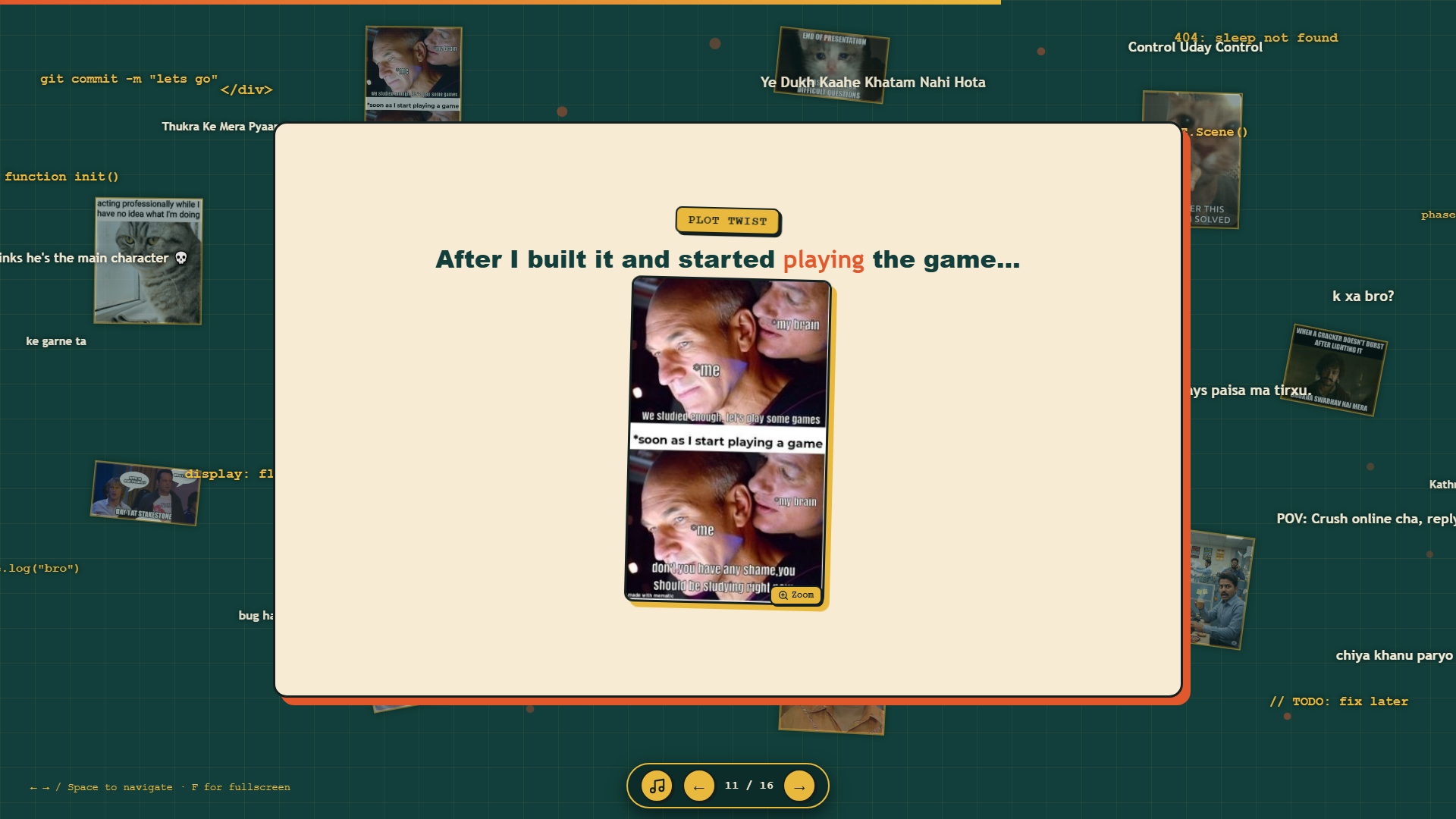
| Emergent AI Betrayal | Rex switching teams immediately after agreeing to team up. | "When the AI Says 'Trust Me, Bro' -> Aree bhai bhai bhai!" | Turned an unpredictable AI behavior into the biggest laugh of the session. |
Inside the Presentation Code: Engineering Fun Without Breaking Layouts
Rather than clicking through a standard presentation tool, I built the entire presentation deck from scratch using index.html, style.css, and script.js.
Building a custom web deck allowed me to code technical capabilities that standard slide software cannot match.
1. Audio Ducking and Web Audio Gain Boosting
Throughout the talk, a subtle loop of Mozart's Eine kleine Nachtmusik played softly in the background (bg-music.mp3). Having refined classical music playing while discussing chaotic coding bugs created an immediate comedic contrast.
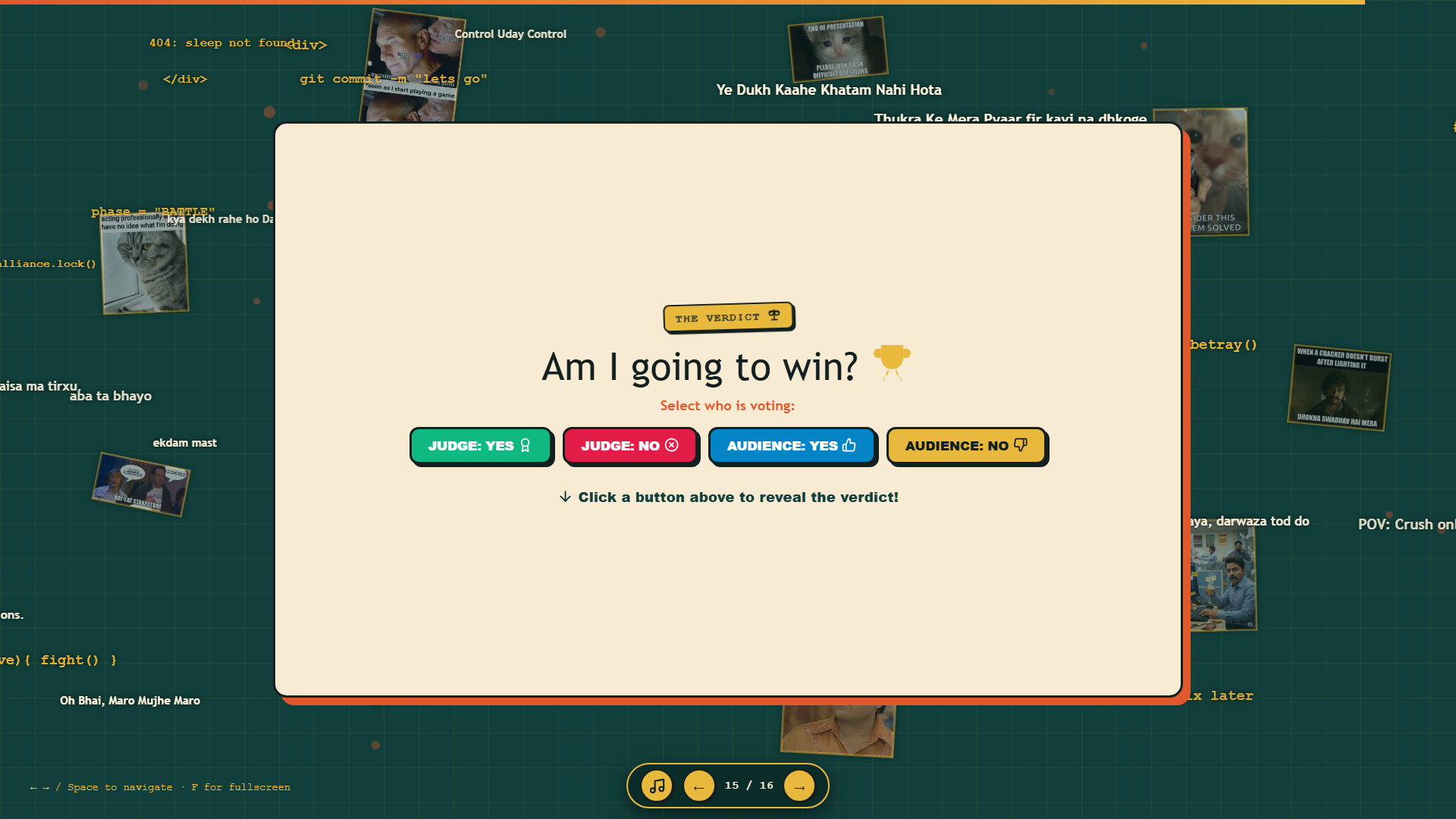
However, on Slide 15 (The Verdict), the deck triggers local video files (Video-52417.mp4 for the viral "Moye Moye" song, and wm_Chup_Kar_Be_Kutte_Meme_Download.mp4). If the background music kept playing, the video sound would be drowned out. In noisy hackathon halls, built-in laptop speakers are often underpowered.
I handled this in script.js using the browser Web Audio API:
// Web Audio API Gain boost and ducking in script.js
let audioCtx = null;
function boostAudio(video) {
  if (!video) return;
  video.volume = 1.0;
  video.muted = false;
  try {
    if (!audioCtx) {
      audioCtx = new (window.AudioContext || window.webkitAudioContext)();
    }
    if (audioCtx.state === 'suspended') {
      audioCtx.resume();
    }
    if (!video.__boosted) {
      const src = audioCtx.createMediaElementSource(video);
      const gain = audioCtx.createGain();
      gain.gain.value = 2.5; // Boost volume to 250%
      src.connect(gain);
      gain.connect(audioCtx.destination);
      video.__boosted = true;
    }
  } catch (e) {
    console.error("Audio boost failed", e);
  }
}
Walkthrough: All 16 Slides of Alliance Arena
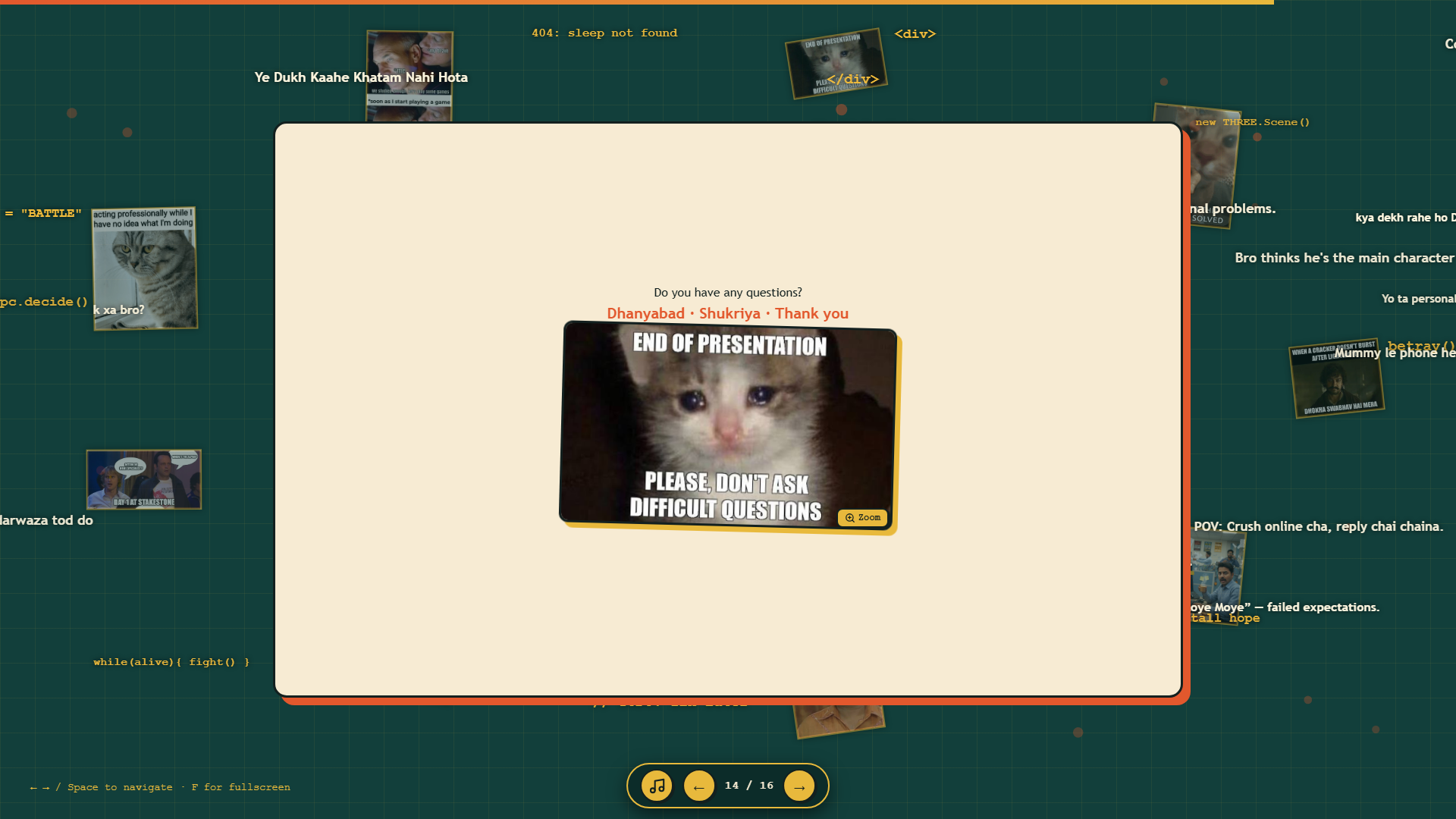
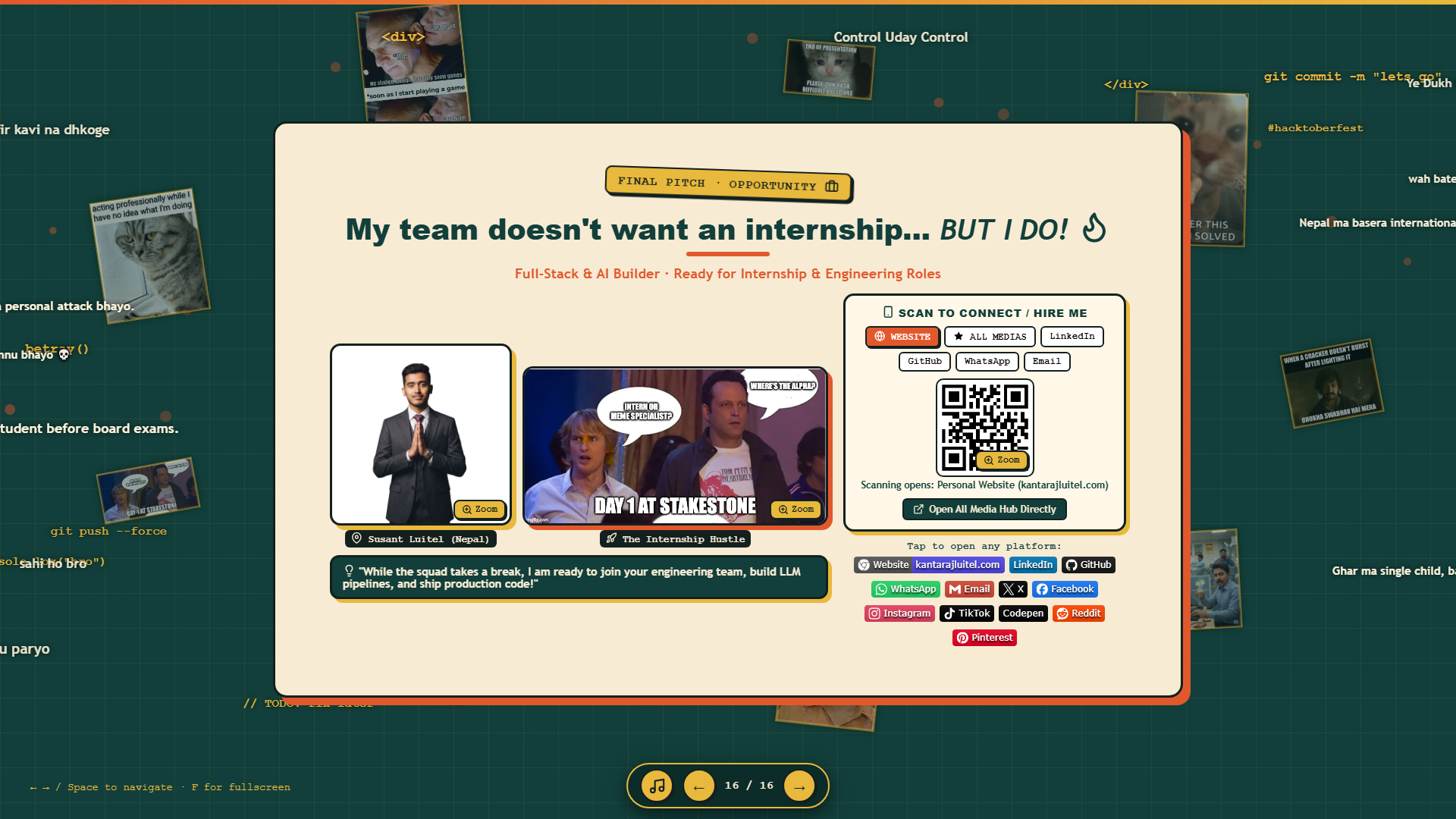
Below is the complete walkthrough of every slide captured in our live presentation deck:

Live Demo Pitfalls: What Went Wrong and How I Handled It
Writing a technical case study that only celebrates successes is dishonest. Live demonstrations frequently run into unexpected problems, and ours was no exception.
1. Cloud Tunnel Latency Spikes
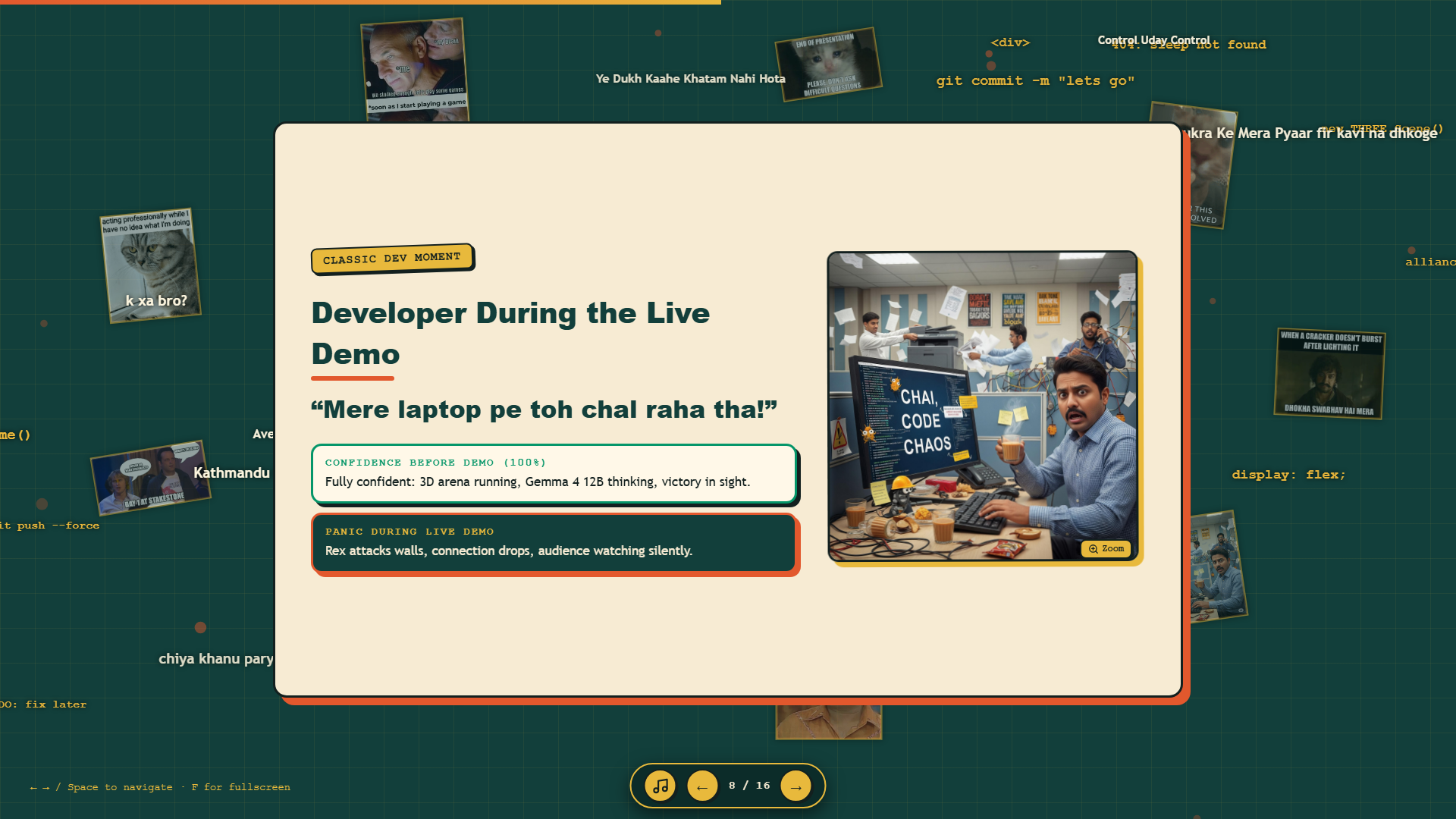
During rehearsal, our Gemma 4 12B model responded in roughly 4 to 6 seconds over the Cloudflare tunnel. During the live hackathon, with hundreds of attendees simultaneously connecting to venue Wi-Fi, response times jumped past 14 seconds.
How I handled it: Because I had implemented a local heuristic fallback engine in js/llm.js, the Three.js game never froze. While waiting for the cloud model, NPCs continued wandering the arena and speaking through basic heuristic dialogue trees. The audience never noticed the latency spike.
2. Browser Audio Autoplay Restrictions
Modern web browsers block audio from playing automatically without prior user interaction. If you attempt to call audio.play() on initial page load, the browser throws an unhandled promise rejection.
How I handled it: In script.js, I registered a one-time global event listener across click, keydown, and touchstart. The Mozart background music only initialized after the user's first physical interaction, guaranteeing compliant playback across all browser engines.
3. Projector Aspect Ratio Mismatch
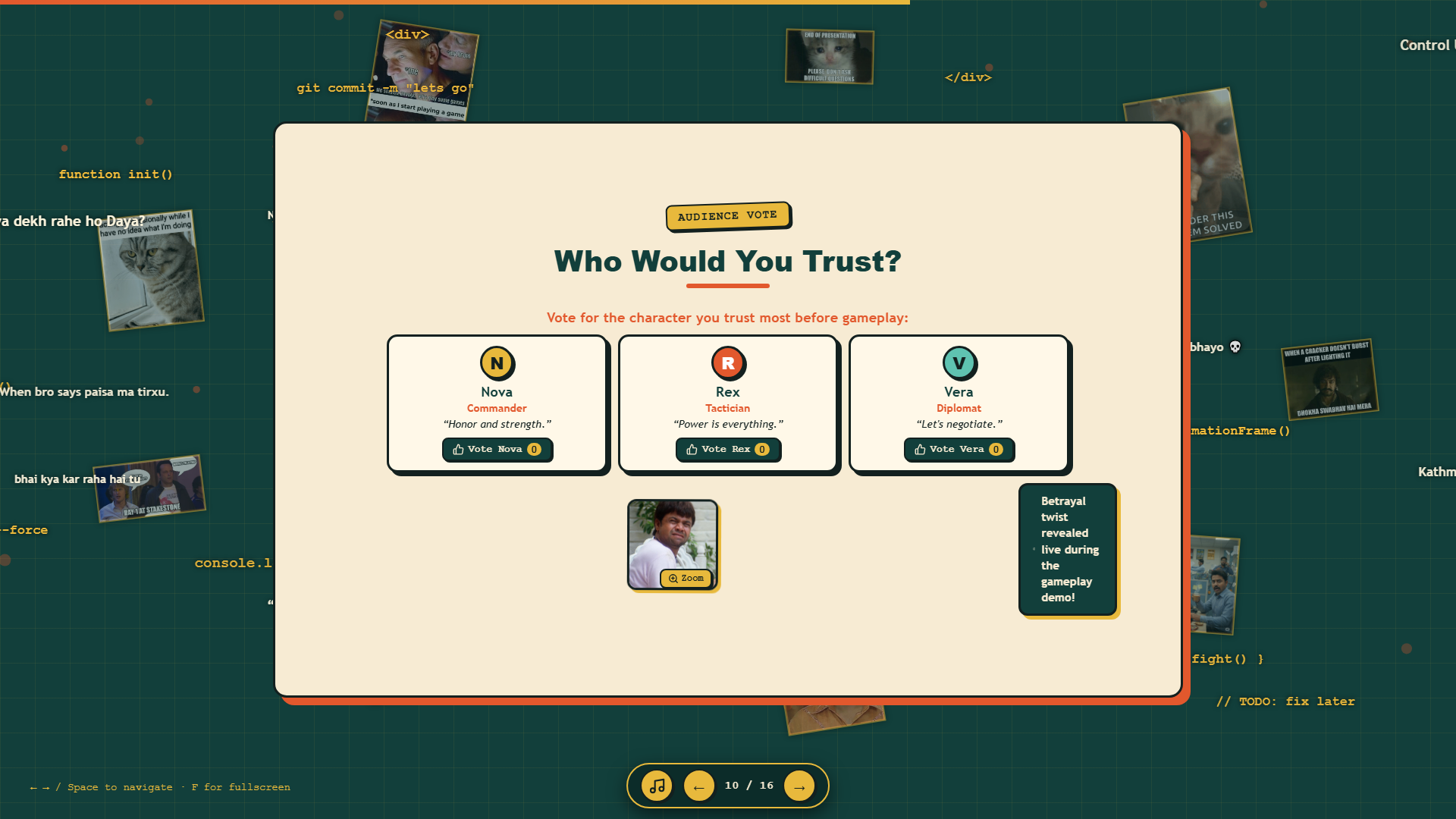
The presentation layout looked sharp on my 16:9 laptop monitor, but the venue's older HDMI projector compressed the viewport into a 4:3 box. This compression initially pushed the voting buttons on Slide 10 below the visible screen fold.
How I handled it: In commit 938ba8b, I revised Slide 10's CSS layout, converting the bottom vote section into a responsive side-by-side flex container with strict max-height boundaries.
Actionable Rules for Developers Building Project Presentations
- Decouple Simulation from Inference: When demonstrating AI in games or web applications, never tie frame rendering to API generation. Keep your local interface responsive at 60 FPS, and let the AI run asynchronously with deterministic local fallbacks.
- Align Humor with System Architecture: Do not paste random memes onto slides just for cheap laughs. Every meme in Alliance Arena illustrated a genuine system behavior (AI betrayal loops, offline fallbacks, negotiation tension).
- Schedule Cognitive Resets Every 3 to 4 Minutes: Audience working memory degrades steadily during dense technical talks. Place a light, relatable comedic beat right before introducing a complex technical concept.
- Choose Real Interactivity Over Bullet Lists: Clickable voting buttons, dynamic audio ducking, and interactive reveals keep listeners engaged far better than static slide text.
- Acknowledge Software Fragility Openly: Embracing the reality of coding bugs ("Mere laptop pe toh chal raha tha") builds immediate trust with technical judges. Technical audiences appreciate candor over rehearsed sales talk.
Frequently Asked Questions
Did using memes damage your technical credibility with the judges?
Not at all. In fact, it had the opposite effect. The judges saw that we had engineered a real Three.js 3D world, integrated an active 12-billion-parameter Gemma model, and written reliable fallback routines. Because our technical foundation was solid, the humor demonstrated confidence, creativity, and deep understanding of our own system.
How did you manage video audio without deafening the room?
All video elements were routed through the browser Web Audio API using a custom GainNode. The script paused the background Mozart track automatically when a video started, amplified the video audio by 250%, and resumed the classical soundtrack when the clip finished.
Can I run the presentation and game locally?
Yes. The entire project is open source on GitHub at github.com/susantedit/mlh-ss. You can launch the presentation directly in any modern browser by opening index.html, or test the game prototype inside _game_backup/ by running server.py.